 how-to
Steps to Document Family History: A 2026 Guide
Table of Contents
- Gather Your Family History Interview Questions
- Conduct Oral History Interviews with Living Relatives
- Collect and Organize Physical Documents and Photos
- How to Organize Genealogy Research for Long-Term Access
- Digitize Family Archives for Preservation
- Choose the Best Software for Family History Documentation
- Create Your Family History Narrative and Project Format
- Frequently Asked Questions
Last Updated: August 25, 2026
Gather Your Family History Interview Questions
The foundation of any meaningful family history project starts with thoughtful preparation. Family history interview questions serve as your roadmap during conversations, moving beyond surface-level facts into the emotional, personal territory where real legacy lives. The best interviews feel like genuine conversations, open-ended enough to allow storytelling, but specific enough to guide discussion toward meaningful content.
Questions about early life and childhood
Start by asking relatives to paint a picture of their early years. Where were they born? What was their home like? Try asking: "What's your earliest memory?" or "Describe the house you grew up in, what did it look like, smell like, feel like?" Sensory details make memories vivid. Don't skip harder questions either: "What was the hardest thing about your childhood?" These create space for honest reflection.
Questions about relationships and major life events
Move into the chapters that defined their adult life. Ask about how they met their spouse or partner, their career and work life, and major decisions and challenges: "Why did you make that choice?" and "What was the biggest obstacle you faced?" These conversations often produce the most meaningful material for your family history documentation.
Questions about values, lessons, and family lore
Ask directly: "What values are most important to you?" or "What do you want your grandchildren to know about you?" Ask about family stories and traditions: "Is there a family story that gets told at every gathering?" or "What tradition do you hope continues?" Consider asking: "If you could leave a message for your family, what would it be?" These questions bridge into legacy work naturally, preparing your relatives to think about the kind of legacy documentation that My Living Legacy Course guides you through.
Conduct Oral History Interviews with Living Relatives
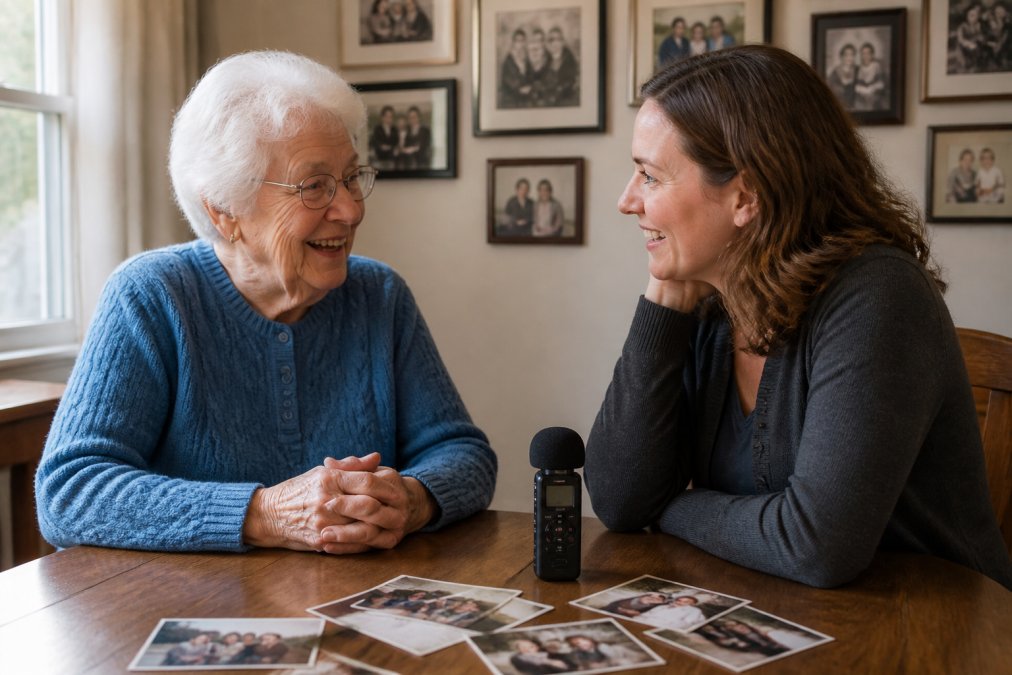
Recording oral histories transforms fleeting conversations into permanent records. Unlike written notes, audio and video capture tone, emotion, and personality, the elements that make someone real across generations.
Prepare your recording setup
You don't need professional equipment to create usable oral history recordings. A smartphone with a voice recording app works well. For better audio quality, consider a portable digital recorder. Test your equipment before the interview, checking battery life and storage space. Position your microphone or phone to pick up both voices clearly. Consider whether you want audio only or video, audio is easier to transcribe later, while video captures facial expressions and gestures.
Create a comfortable environment
Choose a quiet space where interruptions are unlikely. Turn off notifications on your phone and other devices. Start the interview with casual conversation before turning on the recorder. During the interview, listen more than you talk. Give silence room to breathe, people often share their most meaningful thoughts after a pause.
Collect and Organize Physical Documents and Photos
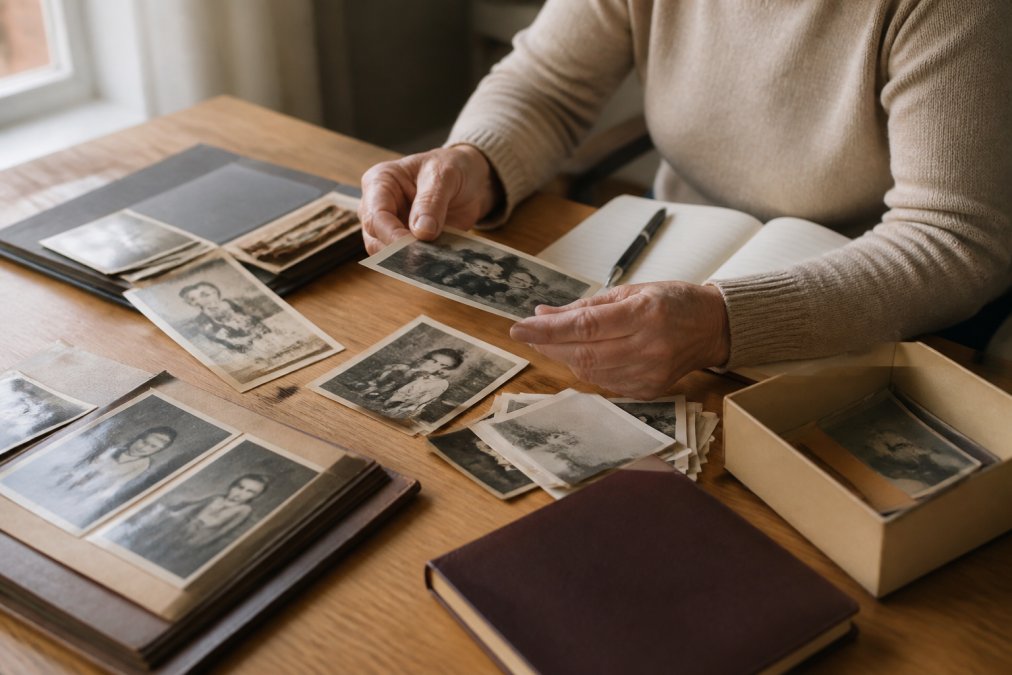
Before you can organize your family history, you need to find what exists. Many families have documents and photographs scattered across multiple locations.
Locate vital records and primary sources
Start by asking relatives what documents they have. Birth certificates, marriage licenses, death certificates, passports, military records, and naturalization papers are foundational primary sources. Look for letters, journals, and diaries. Check for old newspaper clippings, birth announcements, wedding announcements, and obituaries. Don't overlook practical documents: property deeds, wills, tax records, employment records, and insurance papers.
Sort by chronological order and category
Once you've gathered documents and photos, sort them into categories by family member or document type. Within each category, arrange items chronologically. As you sort, note what you find on each item. Write the date, names, location, and any context you know on the back of photographs or on a separate index card.
How to Organize Genealogy Research for Long-Term Access
Organization is essential. Without a system, your carefully collected documents become overwhelming clutter. A good filing system makes your research accessible, protects originals, and creates a foundation for sharing your family history.
Create a filing system with metadata and labeling
Choose a filing approach that matches your brain. Some people prefer physical filing cabinets organized by surname and generation. Others use a digital folder structure on their computer. Many use a hybrid approach: originals stored physically, scans organized digitally.
If you're filing physically, use archival-quality folders and boxes. For digital organization, create a folder structure that feels intuitive to you. Name digital files descriptively. Instead of "photo1.jpg," use "1952_Smith_Family_Reunion_Backyard.jpg." Create a master index or spreadsheet that lists all documents, their location, and key information.
Verify genealogical data and document sources
As you organize, verify information. Cross-reference names, dates, and relationships across multiple documents. Document your sources meticulously. When you find information, note where it came from: "1920 Census, New York, page 12" or "Marriage license filed in Cook County, Illinois, June 15, 1935." Be skeptical of family lore. If an ancestor claims to have arrived in 1890 but the census shows 1895, the document is likely more reliable. However, keep both versions, the discrepancy itself is interesting.
Digitize Family Archives for Preservation
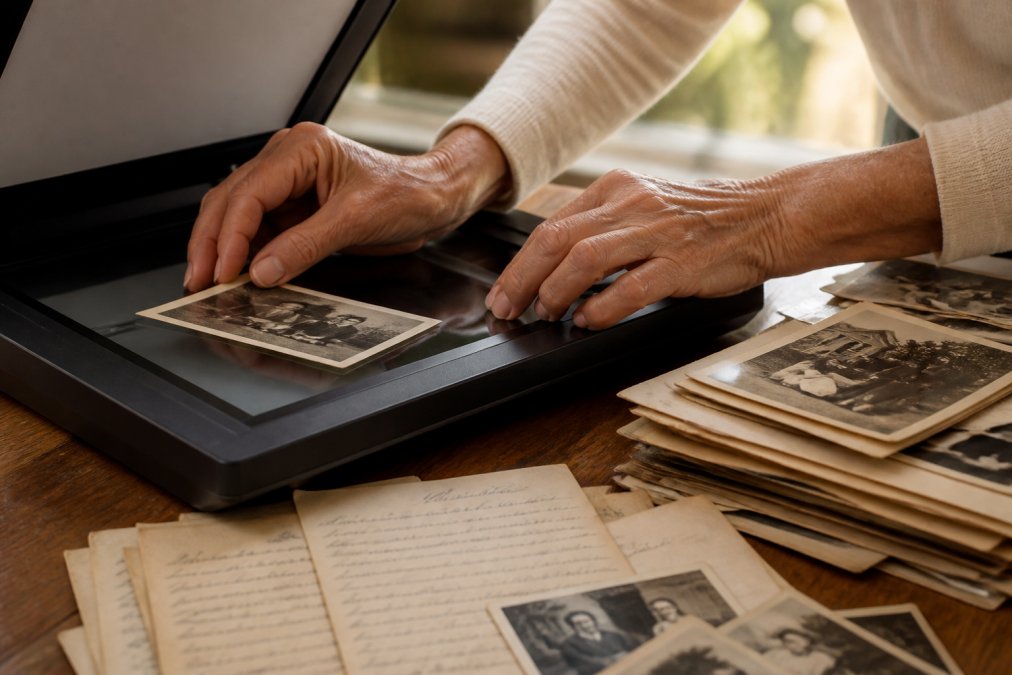
Physical documents and photographs degrade over time. Digitization creates backups and makes your family history accessible without handling fragile originals repeatedly.
Scan documents and photos at archival quality
Invest in a decent scanner if you have many documents. Flatbed scanners work well for photographs and documents. Scan at 300 DPI (dots per inch) minimum (loc.gov). Use lossless file formats (nist.gov). PDF is ideal for documents. For photographs, TIFF format preserves quality, though file sizes are large. JPEG is acceptable for less critical photographs. Create a backup of each scan as you go.
Implement digital preservation and cloud backup strategies
Store scans in multiple locations. Keep originals on your computer, backed up to an external hard drive, and also uploaded to cloud storage. This redundancy protects against hardware failure, theft, or disaster. Choose cloud storage carefully. Services like Google Drive, Dropbox, and OneDrive offer convenient access. For long-term preservation, consider dedicated archival services designed specifically for document preservation.
Organize your digital files with the same care you'd use for physical files. Test your backup system by downloading a file from cloud storage to confirm it's accessible. Be thoughtful about privacy, some family documents contain sensitive information that shouldn't be shared widely.
Choose the Best Software for Family History Documentation
The right software depends on your goals. Are you building a visual family tree? Creating a narrative family history? Organizing documents and memories?
Family tree software versus narrative platforms
Traditional family tree software like Ancestry, FamilySearch, and MyHeritage focuses on genealogical structure, creating visual pedigree charts and tracking relationships. These tools excel at storing vital records and generating reports.
However, family tree software can feel cold and impersonal. It captures relationships and dates, but not the stories that make those relationships meaningful. Narrative platforms take a different approach, prioritizing storytelling, memory, and personal reflection. My Living Legacy Course represents this approach: it provides a guided structure through seven comprehensive modules with over 420 reflective prompts, helping you organize your story, wishes, and final arrangements in a way that goes far beyond what traditional genealogy software offers.
Software-agnostic workflow templates
Rather than committing entirely to one platform, consider a hybrid approach. Use spreadsheets to organize basic genealogical information. Use cloud storage to centralize documents, photographs, and scans. Use a word processor or dedicated legacy platform to write narratives and reflections. A basic spreadsheet can track individual names, birth and death dates, relationships, locations, and notes about where documents are stored.
Create Your Family History Narrative and Project Format
Once you've gathered, organized, and digitized your materials, you need to decide how to present them.
Decide on your format: book, digital archive, or pedigree chart
A printed book feels tangible and permanent. Books work well for narrative-driven family histories with photographs and reflections. However, books are static, once printed, you can't add new information.
A digital archive offers flexibility. You can include documents, photographs, video interviews, and text. Family members access it through a website or shared folder. You can update it over time as new materials emerge. Consider a combined approach: create a printed book as the primary artifact, something tangible and beautiful, and supplement it with a digital archive containing all source materials, extended interviews, and additional documents.
Structure your story chronologically with historical context
Chronological organization is intuitive and helps readers understand cause and effect. Start with your earliest ancestors and move forward through generations. Weave historical context throughout. When your grandmother was born in 1935, the Great Depression shaped her childhood. Include photographs and documents chronologically. Captions should identify people, date the photograph, and provide context.
Address ethical considerations of sensitive family secrets
Not everything should be documented. Some families have secrets, affairs, financial struggles, mental health challenges, abuse, that feel private. Consider the purpose of documentation. If you're creating something for your immediate family, you have more latitude to include difficult truths. You can acknowledge difficult topics without detailing them. Some information is worth documenting for your children or executor but not for public sharing. Consider creating different versions, a comprehensive private version for immediate family and a more curated public version. My Living Legacy Course addresses this tension directly, helping you think through what to document, what to keep private, and how to organize sensitive information so your family understands your wishes.
The work of documenting family history is profound. You're creating a bridge between past and future, capturing not just facts but meaning. You're giving your descendants something precious: clarity about where they come from and who their ancestors were.
The process itself deepens your understanding of your own family. You'll discover stories you never knew. You'll understand your relatives more fully. You'll see patterns and connections that reveal how your family's values and decisions shaped who you are today.
My Living Legacy Course guides you through this exact process with structure and compassion. Seven modules walk you through gathering your story, organizing your wishes, and documenting your final arrangements. Over 420 reflective prompts help you think deeply about what matters most. The result is a comprehensive legacy that goes beyond what a will can provide, it's a gift of understanding and connection for everyone you love.
Frequently Asked Questions
What's the best way to start documenting your family history if you've never done it before?
Begin by interviewing living relatives while they can share their memories firsthand. Prepare open-ended questions about their early life, relationships, and values. Record these conversations (with permission), then organize the recordings alongside any physical documents, photos, and vital records you can gather. Many people find it helpful to work chronologically, starting with the oldest generation's stories and working forward. This approach captures oral history before it's lost and creates a foundation for your entire family archive.
How do I organize genealogy research so my family can actually find and understand it?
Use consistent metadata labeling: assign each document a date, names of people involved, and source information. Store files in a clear folder structure (by surname, then by generation, for example). Create a simple index or spreadsheet noting what you have and where it's stored. Whether you use specialized genealogy software or a spreadsheet template, the key is consistency. Include provenance information, where each record came from, so future generations understand what's reliable and what's family lore versus verified fact.
What software should I use for family history, or can I do this without specialized tools?
You don't need expensive software to start. A simple folder structure with clear naming, a spreadsheet for tracking records, and cloud backup (like Google Drive or OneDrive) work well for many families. If you want a more integrated approach, family tree software can help visualize lineage and connect biographical data. For narrative-focused legacy projects, some families prefer word processors or dedicated storytelling platforms. The best software for family history is the one you'll actually use consistently, start simple and upgrade only if you need features you can't live without.
How do I preserve digital files so my family can access them years from now?
Follow the 3-2-1 backup rule: keep three copies of important files, on two different types of media, with one copy stored offsite. Save scanned documents in standard formats like PDF (not proprietary formats that may become obsolete). Use cloud backup services for offsite protection, and consider creating a physical backup on an external hard drive stored safely. Document where all copies are located and how to access them, include these instructions in your legacy plan so your family knows what exists and where to find it after you're gone.