 how-to
How to Create a Family Tree for Beginners
Table of Contents
- Why Start a Family Tree
- Gather Information Before You Start
- Choose a Family Tree Template That Works for You
- Review Family Tree Examples to Plan Your Structure
- How Many Generations to Include in Your Family Tree
- Select the Best Family Tree Maker for Your Needs
- Step-by-Step Process to Create Your Family Tree
- Handle Missing Information and Uncertain Details
- Frequently Asked Questions
Last Updated: October 14, 2026
Why Start a Family Tree
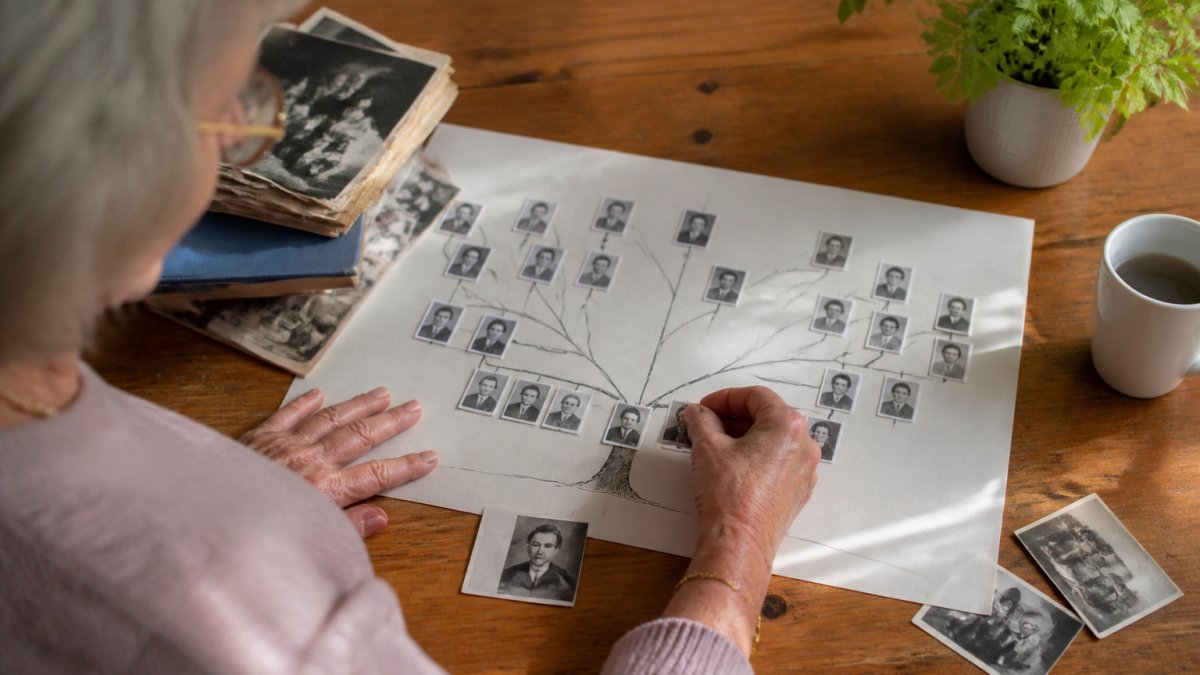
A family tree is a visual map of your relatives across generations. It shows how family members connect to each other through birth, marriage, and descent. When you create a family tree, it helps you understand your family's history and relationships.
Starting a family tree serves several important purposes. It preserves your family's story for future generations. Children and grandchildren can learn where they come from and feel connected to their roots. A family tree also helps you organize information that might otherwise get lost.
Many people begin a family tree after a significant life event. Perhaps a parent or grandparent passed away, and you realized how much family knowledge disappeared with them. Or maybe you want to leave something meaningful for your children before it's too late. Creating a family tree can become the foundation for sharing deeper stories and final wishes with loved ones.
Starting now, while you still have time to gather information and verify details, makes the process much easier. You can ask relatives questions while they're here to answer. You can collect photos and documents while you know where they are.
Gather Information Before You Start
Before you open any tool or template, collect what you already know. Gather documents and photos from around your home. Look for birth certificates, marriage licenses, and old photos with names written on the back.
Ask family members what they remember. Call relatives and ask simple questions:
- What were your parents' full names?
- When and where were they born?
- Who were your grandparents?
- Do you have any old family documents?
Write down everything you find. Don't worry about organizing it yet. Just collect the raw information.
Look through your own documents. Find your birth certificate, marriage license, and children's birth certificates. These give you dates and locations to start with.
Check your email and photo apps. Family members may have sent you photos or information over the years. Search for family names or old relatives' names to see what you find.
Create a simple list of what you know and what you still need to find. This helps you see the gaps. It also guides you when you ask family members for help.
Choose a Family Tree Template That Works for You
A family tree template is a pre-made structure that shows how to arrange family information. Templates come in different shapes and styles. Some show grandparents at the top with descendants flowing downward.
The most common template style is the ancestor chart. It starts with one person and shows their parents, grandparents, and earlier ancestors above them.
Another popular style is the descendant chart. It starts with an ancestor and shows all their children, grandchildren, and great-grandchildren flowing downward. This is useful if you want to see how your family grew over time.
A pedigree chart looks like a tree with branches. It's visually appealing and shows relationships clearly. Many people find this style easiest to understand at a glance.
Some templates are simple outlines with boxes and lines. Others are decorative with colors and artistic elements. Choose what appeals to you and matches how you want to display your family tree.
Consider where you'll use your template. If you're printing it on paper, you need something that fits standard page sizes. If you're keeping it digital, you have more flexibility with size and complexity.
Review Family Tree Examples to Plan Your Structure
Looking at examples helps you understand what a finished family tree looks like. Examples show you different ways to organize the same information. They help you decide what structure works best for your family.
Find examples online by searching "family tree template" or "family tree example." Many websites offer free samples you can view. Look at several different styles to see what appeals to you.
Pay attention to how names are arranged. Notice which information appears for each person. Most examples include birth year, death year, and birthplace. Some add marriage dates and locations.
Look at how the lines connect people. These lines show relationships. A horizontal line connects spouses. Vertical lines connect parents to children. This visual system helps anyone looking at your tree understand the connections quickly.
Notice how many generations each example shows. Some examples show four or five generations. Others show just two or three. See what feels manageable for your situation.
Think about what information matters most to your family. If your family moved around a lot, locations might be important to include. If certain family members are famous or notable, you might want to highlight their achievements.
How Many Generations to Include in Your Family Tree
The number of generations you include depends on your goals and available information. Most people start with themselves and work backward and forward from there.
A basic family tree includes three generations: you, your parents, and your grandparents. This is manageable for most people and covers the relatives you likely know well.
A more complete tree adds four generations: yourself, your parents, your grandparents, and your great-grandparents. This requires more research but creates a richer picture of your family history.
Some people go back five or six generations if they have access to records. This becomes more challenging because you may not have direct memories of these relatives.
Going forward, you might include your children and grandchildren. This shows your family's future as well as its past.
Consider your time and energy. A larger tree takes longer to research and maintain. A smaller tree is quicker to complete but shows less history.
Think about what information you can actually find. If your great-grandparents immigrated and you have no records, going back that far becomes difficult.
Start with what you know well. You can always expand your tree later as you discover more information.
Select the Best Family Tree Maker for Your Needs
A family tree maker is software or an online tool that helps you organize and display family information. Different tools offer different features and levels of complexity.
Some tools are completely free and simple. They let you enter names and basic information, then automatically create a visual tree.
Other tools offer more features. They let you add photos, stories, dates, and locations for each person. They can generate different views of your family tree.
Consider whether you want a desktop program or a web-based tool. Desktop programs run on your computer.
Think about ease of use. If you're not very tech-savvy, choose something simple with clear instructions. Look for tools that offer tutorials or customer support.
Consider privacy and security. If your tree contains sensitive family information, make sure the tool protects your data.
Think about cost. Many tools are free for basic use. Some charge a monthly or yearly fee for advanced features. Decide what you're willing to spend.
Look at what family members can do with the finished tree. Can they view it online? Can they add information? Can they download it?
Step-by-Step Process to Create Your Family Tree
To create a family tree, follow a logical sequence. Start simple and build from there. Take your time with each step.

Step 1: Start with Yourself
Begin by entering your own information. Write down your full name, birth date, and birthplace. Include your current age and location if you want.
This is your starting point. Everything else connects from here. Make sure your information is accurate and complete.
Step 2: Add Your Parents and Grandparents
Next, add your parents. Enter their full names, birth dates, and birthplaces. If either parent has passed away, include their death date and location.
Then add your grandparents on both sides. Enter the same information for them. This builds your ancestral line going backward in time.
Work with what you know. If you don't have exact dates, write down what you remember. You can fill in missing information later.
Step 3: Include Siblings and Their Children
Add your siblings to your tree. List their names, birth dates, and birthplaces. Include their spouses' names and information.
Then add your nieces and nephews. These are your siblings' children. Show how they connect to their parents.
If you have children, add them to your tree as well. Include their birth dates and birthplaces. This shows your direct descendants.
Step 4: Fill in Dates and Locations
Go back through your tree and add specific dates where you can. Include birth dates, marriage dates, and death dates. These dates help create a timeline of your family's history.
Add birthplaces and death locations. This shows where your family lived and moved. It helps tell the geographic story of your family's journey.
Don't leave blanks empty if you don't know the information. Instead, mark them as unknown. This shows that you've considered the information but don't have it yet.
Step 5: Organize and Review for Accuracy
Review your entire tree for mistakes. Check that names are spelled correctly. Verify that dates make sense. Make sure relationships are shown correctly.
Ask family members to review what you've created. They may catch errors or remember details you missed. They can help fill in missing information.
Organize your tree so it's easy to read. Make sure the layout is clear and the connections are obvious. Test that someone unfamiliar with your family could follow the tree and understand the relationships.
Save your work regularly. If you're using a digital tool, make sure your information is backed up. Consider saving copies in more than one place.
Handle Missing Information and Uncertain Details
You won't have complete information for every person on your tree. That's normal and expected. The key is handling gaps honestly.
For information you don't know, mark it clearly as unknown. Don't guess or make assumptions. Leaving a blank is better than entering incorrect information.
For information you're uncertain about, add a note explaining what you're unsure of.
Ask relatives about uncertain details. Sometimes family members remember information you don't have. They may also know where to find documents that verify dates and places.
Research tools like public records databases and genealogy websites can help fill gaps. Many offer free searches for basic information. Some require payment for detailed records.
Keep track of where your information comes from. Note whether you got it from a family member, a document, or a website.
Your family tree doesn't need to be perfect to be valuable. Even an incomplete tree preserves information that might otherwise be lost.
Creating a family tree gives your family a gift that lasts for generations. It organizes your family's story in a way that's easy to understand and share.
My Living Legacy Course helps you go deeper than a family tree alone.
Frequently Asked Questions
What information do I need to start creating a family tree?
Begin with what you know: your full name, birth date, parents' names, and grandparents' names. Gather birth certificates, marriage records, and old photos. Ask relatives for dates and names. You don't need everything before starting, a family tree grows as you collect information. Even partial details help you build a foundation and identify what you still need to find.
How many generations should a beginner include in a family tree?
Start with three to four generations: yourself, your parents, grandparents, and great-grandparents. This manageable scope helps you establish a solid foundation without becoming overwhelming. Once you're comfortable, expand upward to earlier ancestors or sideways to include siblings and cousins. There's no fixed rule, include what feels meaningful and what information you can reasonably gather.
What's the easiest way to create a family tree as a beginner?
Use a free family tree template in a spreadsheet or word processor, or choose a dedicated family tree maker tool. Start by listing yourself, then add parents and grandparents. Fill in names, birth dates, and locations. Templates guide the structure so you focus on gathering information rather than designing. Many tools offer step-by-step wizards that make the process simple and intuitive.
How do I handle missing or uncertain information in my family tree?
Mark uncertain entries clearly with a question mark or note. Leave blank fields rather than guessing. Contact relatives to verify dates and names before recording them. Some tools let you add source notes, use these to track where information came from. Incomplete information is better than incorrect information; you can update entries as you discover more details over time.